
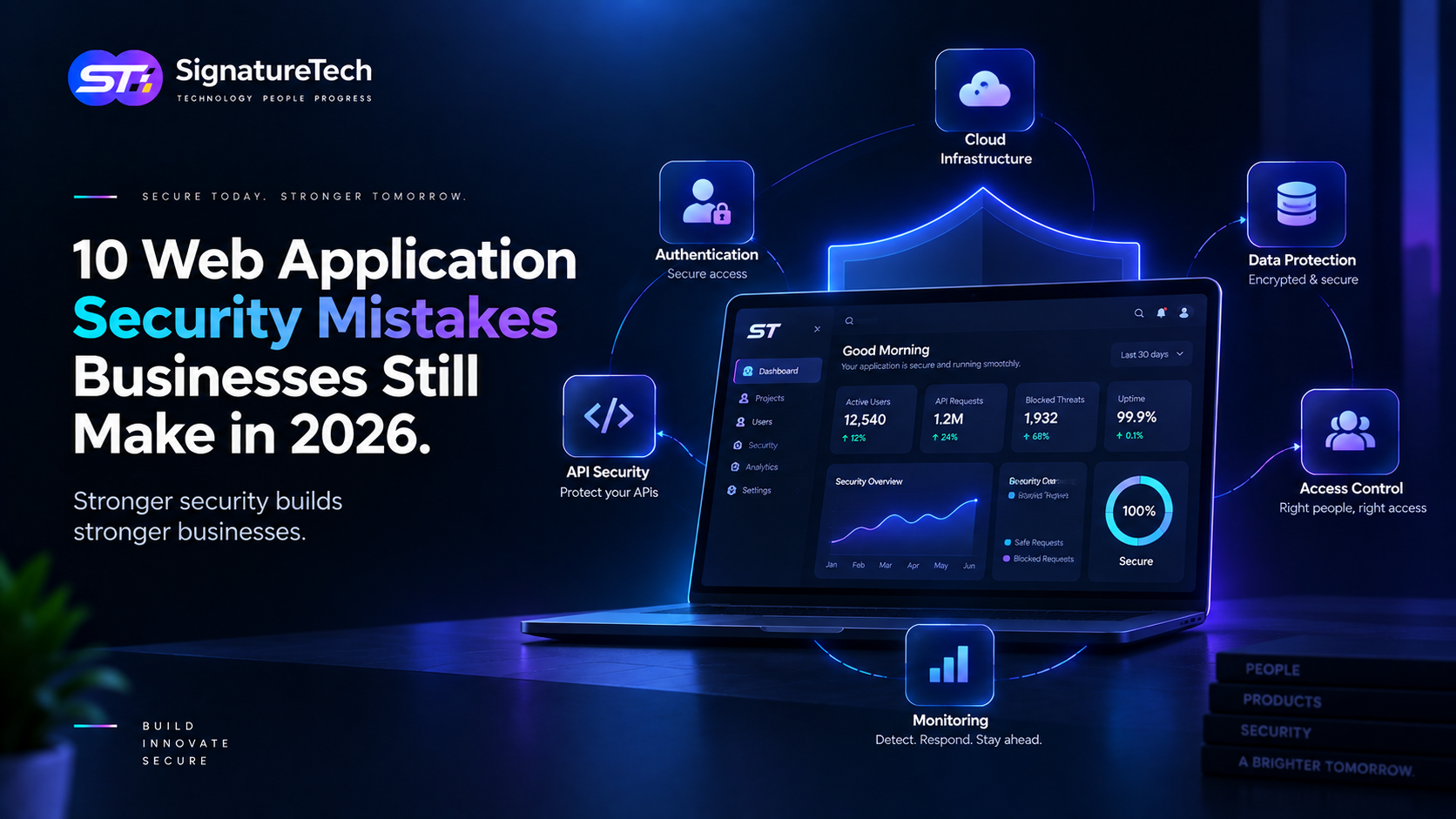
10 Web Application Security Mistakes Businesses Still Make in 2026
A modern web application can have a sophisticated frontend, cloud infrastructure, AI features, APIs, payment integrations, and advanced analytics.
But none of that matters if a basic security weakness exposes customer data or allows unauthorized access.
Security incidents are not always caused by sophisticated attacks.
Many vulnerabilities come from relatively simple mistakes:
- Weak authorization
- Exposed secrets
- Poor API protection
- Insecure file uploads
- Missing security monitoring
- Outdated dependencies
- Excessive permissions
For SaaS companies and businesses operating web applications, security needs to be treated as an engineering requirement, not a final checklist before launch.
Here are 10 common mistakes businesses should actively avoid in 2026.
1. Treating Authentication as Authorization
Authentication answers:
Who are you?
Authorization answers:
What are you allowed to do?
These are not the same thing.
A user successfully logging into an application doesn't mean they should be able to access every resource.
For example:
GET /api/orders/123
The application should verify that the authenticated user is actually allowed to access order 123.
A common vulnerability occurs when developers check:
User is authenticated
but fail to check:
User owns this resource
Better approach
Implement authorization at the server/API layer and validate:
- User identity
- Organization/tenant
- Resource ownership
- Role
- Required permission
- Requested action
Never rely solely on hiding buttons in the frontend.
2. Trusting the Frontend
Frontend validation improves user experience.
It is not a security boundary.
For example, hiding an admin button doesn't prevent someone from directly calling the API.
An attacker can bypass the UI and send requests manually.
Therefore:
Frontend validation
        ↓
User experience

Backend authorization
        ↓
Security boundary
Every sensitive operation must be validated on the server.
This includes:
- Role checks
- Permissions
- Pricing
- Discounts
- Ownership
- Account IDs
- Organization IDs
- File access
- Administrative operations
3. Exposing API Keys and Secrets
API credentials should never be embedded in:
- Frontend JavaScript
- Mobile application code
- Public Git repositories
- Client-side configuration
- Public Docker images
- Logs
If a secret reaches the browser, assume the user can obtain it.
Sensitive credentials should remain server-side and be managed through appropriate secret-management mechanisms.
Examples include:
- Database credentials
- Payment provider secrets
- SMTP credentials
- Cloud access keys
- AI provider keys
- JWT signing secrets
- Internal API credentials
A leaked API key can sometimes be more damaging than a traditional application vulnerability.
4. Building APIs Without Proper Rate Limiting
APIs are often the easiest way to automate interaction with an application.
Without appropriate controls, attackers can abuse endpoints for:
- Credential attacks
- OTP requests
- Password resets
- Scraping
- Resource exhaustion
- Enumeration
- Automated submissions
For example, an OTP endpoint shouldn't allow unlimited requests:
POST /auth/send-otp
A better implementation may combine:
- IP-based limits
- Account-based limits
- Device signals
- CAPTCHA where appropriate
- Temporary cooldowns
- Abuse detection
- Monitoring
Rate limiting should be designed according to the risk of each endpoint.
A public search endpoint and a password-reset endpoint should not necessarily have the same limits.
5. Using Insecure Direct Object References
Consider:
/api/invoices/1001
and:
/api/invoices/1002
If changing the ID allows a user to access another customer's invoice, the application has an authorization vulnerability.
The problem isn't that the ID is predictable.
The real problem is that the server doesn't properly verify access.
For every resource request, the application should establish:
Authenticated user
        ↓
Tenant / organization
        ↓
Resource
        ↓
Permission
        ↓
Action
This becomes especially important in multi-tenant SaaS applications.
6. Unsafe File Uploads
File uploads are a common attack surface.
Applications may accept:
- Images
- PDFs
- Documents
- Videos
- CSV files
- Archives
Simply checking the filename extension isn't sufficient.
For example:
invoice.jpg
doesn't necessarily mean the file is actually a safe JPEG.
A secure upload system should consider:
- MIME type validation
- File signature/magic-byte validation
- Maximum file size
- Filename sanitization
- Storage isolation
- Malware scanning where appropriate
- Access control
- Safe file serving
- Content-disposition headers
Uploaded files should also generally be stored outside sensitive executable application directories.
7. Forgetting Tenant Isolation
For B2B SaaS, tenant isolation is one of the most important security concerns.
Imagine:
Company A
 ├── Users
 ├── Projects
 └── Documents

Company B
 ├── Users
 ├── Projects
 └── Documents
A query that accidentally returns data without applying the tenant boundary can expose one organization's data to another.
This is not merely a database problem.
Tenant isolation needs to be considered across:
- Database queries
- APIs
- Background jobs
- Caching
- File storage
- Search
- Analytics
- Exports
- Notifications
- Admin tools
A good SaaS architecture makes tenant boundaries explicit and difficult to accidentally bypass.
8. Ignoring Dependencies After Launch
Security doesn't end when an application is deployed.
Modern applications depend on hundreds of packages, libraries, frameworks, containers, and infrastructure components.
A vulnerability may be discovered months after deployment.
Therefore, teams should maintain:
- Dependency updates
- Vulnerability scanning
- Lockfiles
- Container image scanning
- Security advisories
- Patch processes
- Software inventory
Don't blindly update everything in production.
Use a controlled process:
Security update
      ↓
Review
      ↓
Test
      ↓
Deploy
      ↓
Monitor
The objective is to keep the application secure without introducing unnecessary instability.
9. Storing Sensitive Data Incorrectly
Not every piece of data should be treated the same way.
Applications may process:
- Passwords
- Personal information
- Payment information
- Employee records
- Customer documents
- API credentials
- Internal business data
Sensitive information needs appropriate protection throughout its lifecycle.
This includes:
At rest
Data stored in databases, backups, object storage, and logs.
In transit
Data moving between browsers, APIs, services, and databases.
In use
Data being processed by application services.
Passwords should never be stored as plaintext.
Secrets should not be logged.
And sensitive data should not automatically be copied into every analytics, debugging, or monitoring system.
10. Not Monitoring Security Events
A vulnerability can exist for months without anyone noticing.
That's why prevention alone isn't enough.
Businesses also need detection.
Security-relevant events can include:
- Repeated failed logins
- Password changes
- MFA changes
- Permission changes
- New administrator accounts
- API key creation
- Suspicious API activity
- Large data exports
- Unusual login locations
- Changes to billing settings
Useful security monitoring should answer:
What happened? When did it happen? Who performed it? What resource was affected?
For important actions, audit logs can become critical for both investigation and compliance.
Security Mistakes That Become More Dangerous With AI
AI introduces another layer to application security.
If an AI agent can access:
- CRM
- Database
- Internal APIs
- Documents
- Payments
- Customer records
then the agent effectively becomes another privileged software component.
The same principles apply:
Least privilege
Only give the AI access to the tools it actually needs.
Explicit permissions
Define which actions are allowed.
Human approval
Require approval for high-impact operations.
Auditability
Record important actions.
Input validation
Don't blindly trust instructions retrieved from documents, websites, emails, or user input.
AI should not receive unrestricted access simply because it is an internal feature.
Security Should Be Built Into the Development Lifecycle
A strong security process looks something like:
Requirements
     ↓
Threat Modeling
     ↓
Secure Architecture
     ↓
Secure Development
     ↓
Code Review
     ↓
Automated Security Testing
     ↓
Deployment
     ↓
Monitoring
     ↓
Continuous Improvement
Security testing should include appropriate techniques such as:
- Static analysis
- Dependency scanning
- Secret scanning
- Dynamic testing
- API testing
- Configuration reviews
- Penetration testing
- Cloud security reviews
The exact approach depends on the application's risk profile.
A Practical Security Checklist
Before launching or significantly updating a web application, ask:
Authentication
- Is MFA available where appropriate?
- Are sessions securely managed?
- Are password-reset flows protected?
Authorization
- Is every sensitive API endpoint authorized?
- Is tenant isolation enforced?
- Are administrative actions restricted?
APIs
- Is rate limiting implemented?
- Are inputs validated?
- Are sensitive endpoints monitored?
Data
- Is sensitive information encrypted appropriately?
- Are passwords securely hashed?
- Are secrets excluded from logs?
Infrastructure
- Are databases protected from unnecessary public access?
- Are cloud permissions least-privilege?
- Are backups protected?
Dependencies
- Are vulnerable dependencies identified?
- Is there a patching process?
- Are secrets scanned in repositories?
Files
- Are uploads validated?
- Are files stored safely?
- Is access controlled?
Monitoring
- Are security events logged?
- Are important administrative actions auditable?
- Are alerts configured for suspicious activity?
Security Is a Business Requirement
Application security isn't just an engineering concern.
A security incident can affect:
- Customer trust
- Revenue
- Business continuity
- Reputation
- Regulatory obligations
- Enterprise contracts
For SaaS companies, security can also become a competitive advantage.
Enterprise customers increasingly ask questions about:
- Data protection
- Access control
- Encryption
- Audit logs
- Backups
- Vulnerability management
- Incident response
A product that can demonstrate mature security practices is easier to evaluate and trust.
Final Thoughts
Most organizations don't need an enormous security program to improve their application security.
They need to get the fundamentals right.
Start with:
Authentication → Authorization → Data Protection → API Security → Tenant Isolation → Secure Infrastructure → Monitoring
Then build additional controls according to the application's risk.
The biggest mistake is treating security as something that happens immediately before launch.
Security should be part of the architecture from the beginning.
At SignatureTech, we approach application development with security as an engineering consideration across architecture, APIs, databases, authentication, infrastructure, third-party integrations, and deployment.
Because building a great application isn't enough.
It also needs to be trustworthy.